

WordPress 5.0 is coming – with a new default editor
 3 min read
 AI-generated
Contents
This article is from 2018. Technology and the law may have changed since then.
On December 6, 2018, the new major release of WordPress will be rolled out. It brings a new editor: Gutenberg. WordPress’s previous Classic Editor is being removed completely. Gutenberg is more than a “text input field” – it offers the functionality of a page builder. But that is exactly why you should hold off on the update for now.
Modern page building tools with Gutenberg
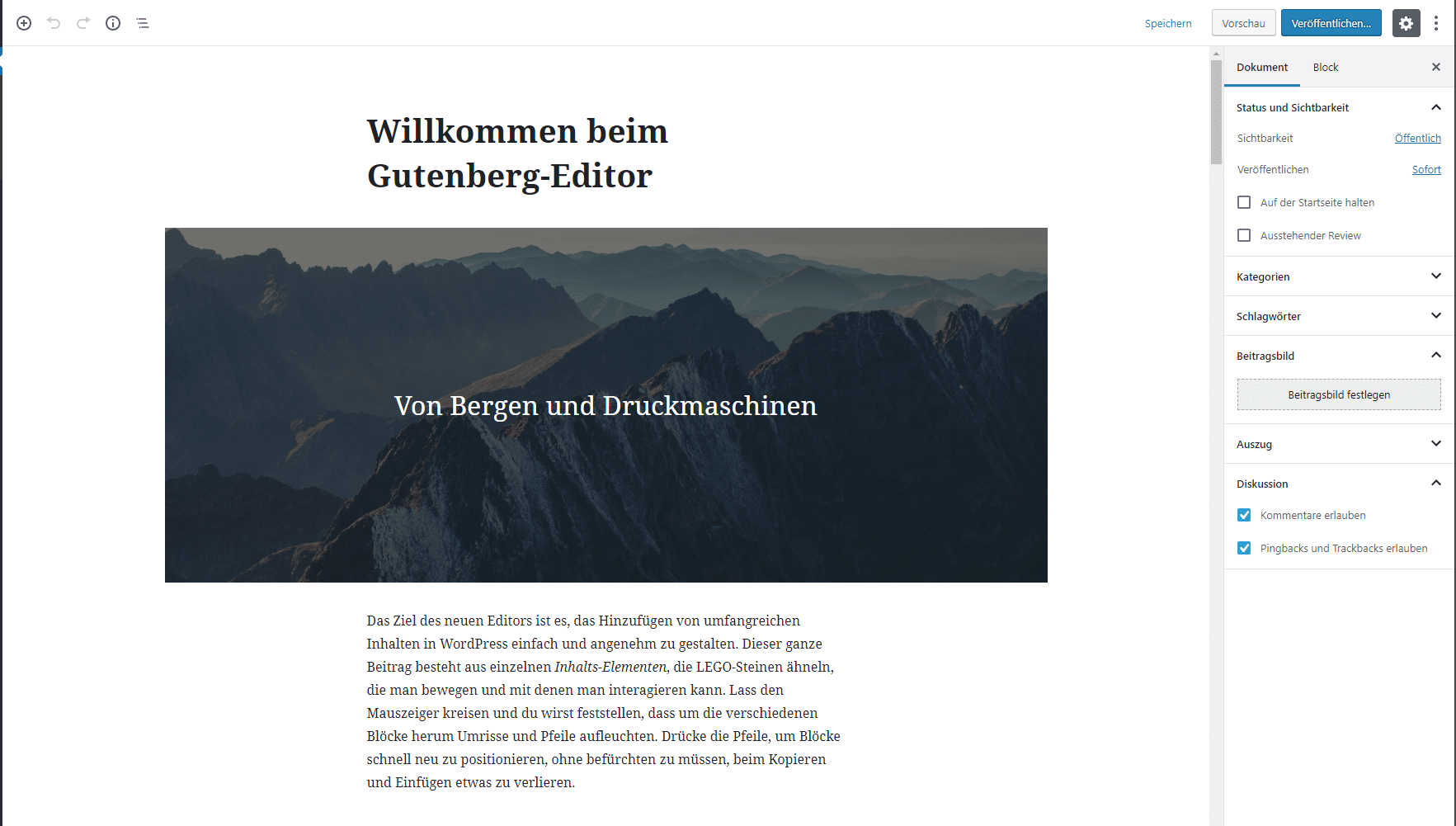
Until now, content in WordPress has been edited with the Classic Editor. It consists of a simple text field and offers a handful of options for formatting content. The possibilities for designing layouts are limited. That is why many premium themes have developed their own layout builders to replace the Classic Editor. With WordPress version 5.0, a layout builder of its own is now fully integrated.
The new editor is a step in the right direction.
BUT: it is not backward compatible!
What to keep in mind when updating to WordPress 5.0
So far, all themes and plugins work with the Classic Editor. With WordPress version 5.0, this editor is removed completely and replaced by the new Gutenberg editor. As a result, themes and plugins without the appropriate adjustments will no longer work with the new WordPress version. The makers of major plugins such as WPML or Advanced Custom Fields have already warned that – even with updates available for their products – problems may occur after updating WordPress.
That is why you should absolutely take the following points into account before updating:
1. Wait
Gradually, all developers will adapt their products to Gutenberg. The WordPress developers, too, may still release an update or two to fix smaller bugs.
2. Install the Classic Editor
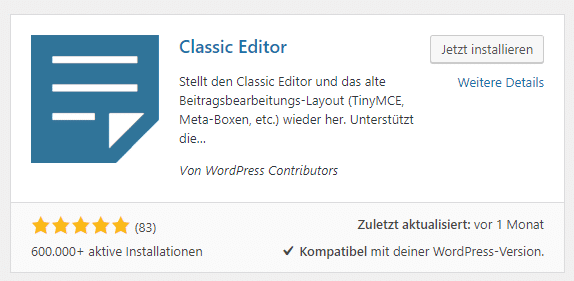
The Classic Editor is now available as a free plugin. You can conveniently install it from the WordPress plugin directory. In the settings you can then switch between the Classic Editor and the block editor (Gutenberg) as needed.
This way you avoid the problem of Gutenberg’s missing backward compatibility, and you can switch to Gutenberg at a later point. The Classic Editor will remain available as a plugin until at least the end of 2020.

3. Create a complete backup
As with every update, and especially with the update to WordPress version 5.0, you should make a complete backup of your WordPress installation, for example simply with the free UpdraftPlus plugin. That way you can restore the old state if problems occur after the update.
4. Install the update to WordPress version 5.0
From December 6, 2018, you can now run the WordPress update to version 5.0 using the update function.
5. Test your website thoroughly
Especially after updating to a new major release, it is important to check the whole website for any malfunctions. So you should test every page and every function thoroughly.
Our service for our clients
For our clients we offer a special service for the update to WordPress version 5.0. We will inform all our clients about it separately. You can also contact us directly.
Michael Rademacher
Founder of realmaker
Michael Rademacher founded realmaker in 2003. He develops WordPress websites and software, produces films and live streams, and writes here about what he learns in client projects.
About Michael
Rather have it maintained?
Updates, backups and monitoring are handled by wp-einfach.de – for a fixed monthly price (service in German).