

Sora Is Shut Down: Which AI Video Tools Agencies Really Use in 2026
OpenAI’s Sora is being shut down – and yet the AI video market is stronger than ever. Which tools (Veo 3.1, Runway, Kling 3.0) professionals really use in 2026, what is new, where the limits are and how companies use AI video wisely.
 11 min read
 AI-generated
Contents
- Sora is history – what happened
- Why this is not a step backwards
- The cloud tools of 2026 at a glance
- Higgsfield – when the camera thinks along
- Local & open-source models: control and privacy
- What is really new in 2026
- Which tool for what? The practical stack
- What AI video can’t do yet
- Using it legally and wisely
- Frequently asked questions
The best-known AI video tool in the world is being shut down – and that very fact shows how mature the technology has become in 2026. OpenAI is pulling the plug on Sora, while Google Veo, Runway, Kling and specialists such as Higgsfield deliver videos in a quality that was unthinkable a year ago: 4K, synchronized sound, several shots in a row, precise camera control. In parallel, open-source models have matured that you can run entirely in-house. For companies this means: AI video is no longer a toy but a toolbox – if you know which tool is right when. This article explains what happened to Sora, which tools professionals really use today, what role local models play, where the limits are and how you can bring AI video into your communications in a legally sound way.
Sora is history – what happened
When OpenAI introduced Sora, the outcry was huge: photorealistic videos from a single sentence of text seemed like the future. In 2026 comes the flip side. OpenAI has announced that it will shut down the Sora app and website and also phase out programmatic access (the API). The most prominent face of the AI video wave is thus largely disappearing from the market.
The reason is less spectacular than many think – and very instructive: it is simply a matter of economics. AI video is extremely compute-intensive; every generated clip costs considerable computing power behind the scenes. According to reports, Sora’s enormous daily operating costs were set against only a tiny fraction in revenue. When a product loses money on practically every clip, even the biggest hype is not a viable business foundation. Sora was an impressive showcase – but not a sustainable tool.
An important point of perspective: it is not “AI video technology” that failed, but a single product with a business model that did not add up. The ability to generate videos is alive and well at the competition – and better than ever.
The lesson from Sora’s end
It is not the most spectacular tool that wins, but the one that pays off in everyday use and delivers reliably. For companies this means two things: first, rely on tools with a viable business model – and second, do not become dependent on a single provider. Anyone who builds their production on one platform is left with nothing at the next “Sora moment”.
Why this is not a step backwards
You might think that the end of the best-known tool is a setback for the whole technology. The opposite is true. While Sora struggled economically, other providers have caught up strongly and overtaken it in many disciplines. The market has developed from a one-name hype into a mature field with several serious players – and it is exactly this competition that has pushed quality up and prices down.
In 2026, several models produce videos in a quality that comes close to professional productions: razor sharp, with coherent camera movements and – this is the real leap – with directly generated, synchronized sound. What was jerky, silent clips a year and a half ago are now short, good-looking sequences with picture and sound in one piece. Add to that two developments that are often lost in the general excitement about Sora but are decisive in practice: specialized directing tools such as Higgsfield and powerful models you can run completely offline. We will look at both in more detail shortly.
The cloud tools of 2026 at a glance
Instead of one top dog, there is now a handful of strong cloud tools, each with its own profile. The professionals who work with them every day deliberately do not commit to one – they combine them depending on the task. Here are the most important ones at a glance:
| Tool | Strength | Ideal for |
|---|---|---|
| Google Veo | Top image quality, native sound | Hero clips, advertising with sound |
| Runway | Control, reference images, editor | Marketing with brand consistency |
| Kling | Very good value for money | High volume, social content |
| Higgsfield | Camera control, directing presets | Cinematic social clips |
| Pika | Fast, playful | Social experiments, effects |
Google Veo – the quality benchmark with sound
In 2026 Veo is considered one of the strongest options for clips where image quality has to be spot on – and it shines above all with native, synchronized sound. For advertising, where picture and sound have to work together, this is a huge advantage: you get a finished sequence with sound instead of silent images that you have to add sound to afterward. Wherever the first impression counts – the hero video on the homepage, the spot for the campaign – Veo is often the safe choice.
Runway – control for brands
Runway is the first choice for many marketing teams because it doesn’t just generate, it gives you control: reference images for consistent characters and styles, an integrated editor and quick results. That is exactly what you need when a video has to fit the brand and must not look different every time. The editor approach also makes Runway the link between pure generation and classic post-production.
Kling – the workhorse for volume
Kling offers strong value for money and is particularly suited when a lot of material is needed – for example for social media, where quantity and speed count. Anyone who regularly produces content in larger numbers gets further with a workhorse like this than with the most expensive premium tool. Kling is also handy for quick drafts that you later finalize in a higher-quality tool.
Pika – fast and playful
Pika is the experimental option for quick, creative play and short effects – ideal for trying out social ideas without much production effort. For viral short formats and quickly testing visual ideas, it is a rewarding tool.
Higgsfield – when the camera thinks along
One tool deserves special attention because it takes a different path from the pure generators: Higgsfield. Instead of just understanding “make me a video”, it relies on directing and camera control – exactly what makes the difference between “a nice AI clip” and “looks like it was really filmed”.
The centerpiece is the so-called Cinema Studio. It simulates real optical physics: before generating, you choose a virtual camera model, a lens type and a focal length – just like on a real shoot. On top of that come more than 70 motion presets, from dolly shots and crane movements to FPV drone flights, crash zooms and bullet-time effects. Several of these camera movements can be combined, creating complex, dynamic shots that would be hard to achieve with text prompts alone.
The “AI Director” – directing at the push of a button
Higgsfield’s most striking idea in 2026 is an AI director that doesn’t just generate but stages. It takes a written scene description and turns it into a structured shot list with suggested camera movements, framings and editing rhythm. Behind it is a large library of presets that reproduce proven, “viral” storytelling and editing patterns – constantly expanded. For teams without camera experience, this is a shortcut to professional-looking footage.
Who is it worth it for? Mainly for cinematic social clips and advertising, where camera language accounts for a large part of the impact – a dramatic push-in, a sweeping orbit, a dynamic drone look. Higgsfield bundles various underlying models, but you work through the unified directing interface. If, on the other hand, you simply need a calm, standard shot with sound, a classic generator often gets you there faster.
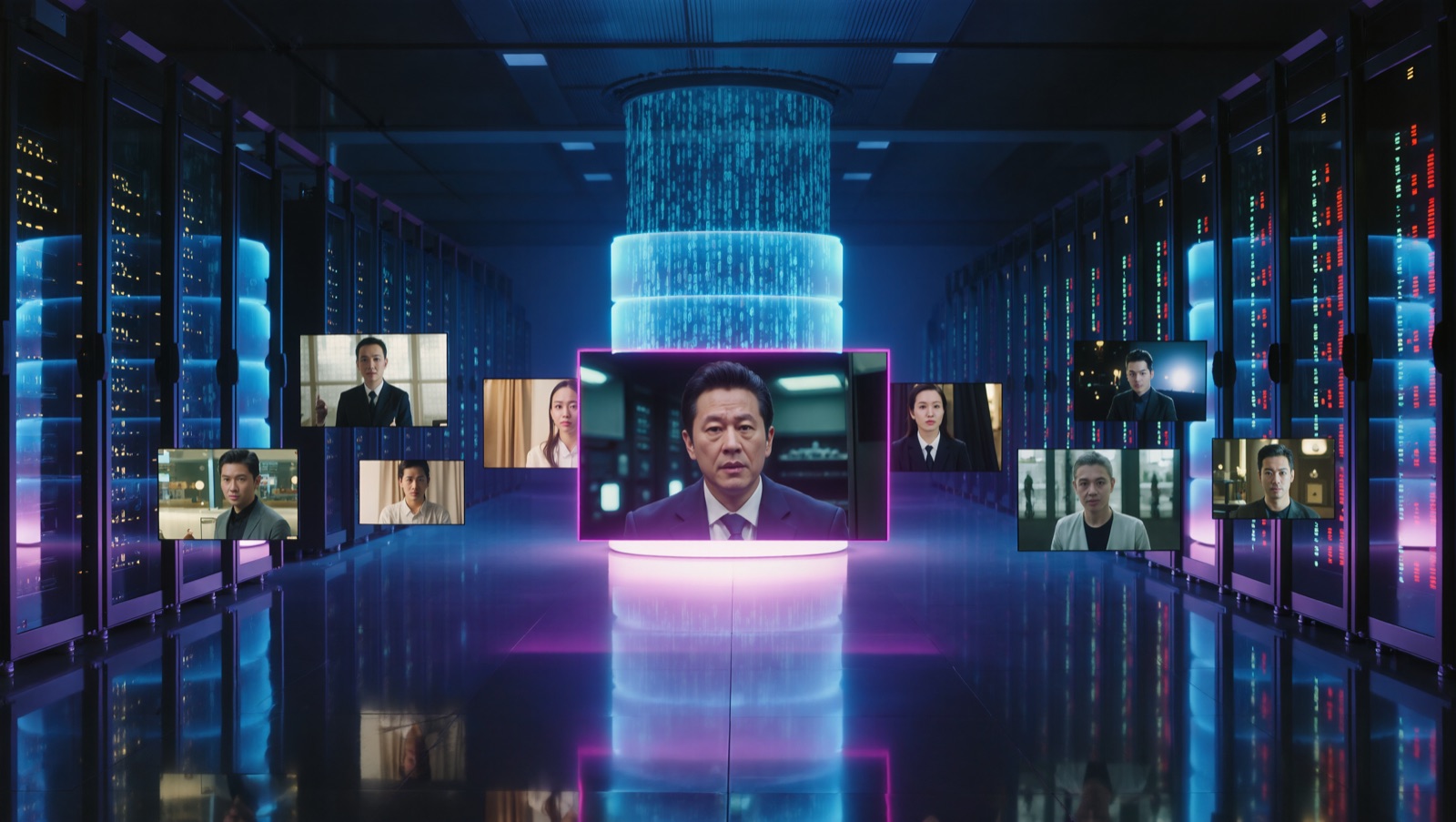
Local & open-source models: control and privacy
The most exciting development for privacy-conscious companies is happening away from the big cloud providers: open-source models that you run entirely on your own hardware. They have become astonishingly good in 2026 – and for an agency or a mid-sized company that doesn’t want to hand data to someone else’s cloud, they are often the underrated best option.
Three models shape the field in particular:
| Open source | Strength | Hardware (VRAM) |
|---|---|---|
| Wan 2.2 (Alibaba) | All-round quality leader, best motion & detail fidelity | comfortable from 24 GB |
| HunyuanVideo 1.5 (Tencent) | Benchmark for prompt adherence & lighting, has become leaner | from approx. 14 GB with offloading |
| LTX-Video (Lightricks) | Speed champion, nearly real time | runs from 16 GB |
Wan 2.2 from Alibaba is considered the all-round quality leader: with a clever architecture (separate “experts” for composition and detail), it produces a cinematic look without becoming unaffordable. It scores particularly well on believable human motion and detail fidelity and has the most user-friendly community around setup. HunyuanVideo 1.5 from Tencent is the quality benchmark the others are measured against – and in the current version it has become much leaner, so with memory tricks it already runs on mid-range cards. LTX-Video from Lightricks is the speed champion: short clips are created almost in real time, and it is the only top model that fits comfortably on a 16 GB card.
Why local makes sense for many companies
Privacy: Your content never leaves the building – no uploading sensitive content to someone else’s cloud, a real GDPR argument. No per-clip costs: Once the hardware is bought, every generation is “free”, ideal for high volume. No watermarks, no usage blocks, no vendor lock-in – and the model can’t be shut down overnight like Sora. Optionally, a model can even be fine-tuned to your own style or your own products.
To be honest, though: local means effort. You need a suitable graphics card (16 GB as a sensible minimum, 24 GB for free choice of models), some technical setup and patience when fine-tuning the results. If you only occasionally need a clip, a cloud tool is simpler. If, on the other hand, you produce regularly, process sensitive content or want full control, the local route pays for itself quickly. A good middle path is a rented cloud GPU: the same freedom of model choice, without buying your own hardware right away.
What is really new in 2026
Four developments set the current generation clearly apart from the last – and only they make AI video interesting for serious use:
Native, synchronized sound
Several leading models generate picture and matching sound in one step – effects, ambience, sometimes even speech. This saves the laborious sound work afterward and makes clips usable right away.
High resolution
Where blurry, small clips used to come out, current models deliver razor-sharp footage up to high resolutions – good enough for professional use on large screens.
Multiple shots and consistency
Instead of single clips a few seconds long, coherent scenes with multiple shots are possible – and characters or products stay recognizable across the cuts. That is the prerequisite for telling even a small story.
Real camera control
With tools like Higgsfield, camera work can be steered deliberately instead of being left to chance. This lifts AI clips from “nicely generated” to “deliberately staged”.
Which tool for what? The practical stack
The most important insight from practice: there is no single best tool, only the right one for each task. Experienced teams don’t tie themselves to one platform, they use them selectively:
- Hero content – the central, high-quality video for a campaign or homepage: maximum quality and fitting sound count here (e.g. Veo).
- Brand content – when a consistent look and recognizable elements are a must: the tool with the best control and reference-image feature wins here (e.g. Runway).
- Cinematic clips – when camera language carries the impact: a directing tool like Higgsfield plays to its strengths here.
- Volume – many clips for social media and tests: value for money and speed decide here (e.g. Kling, Pika).
- Sensitive content & full control – when data has to stay in-house or volume is high: a local model (Wan, Hunyuan, LTX) is the right choice here.
The pragmatic standard stack
For most projects, a simple split has proven its worth: a premium tool for the one important hero video, an inexpensive workhorse for the bulk of social clips and – where privacy is needed or volume is high – a local model for everything that should stay in-house. That way you get top quality where it counts, without compromising on quantity or privacy.
What AI video can’t do yet
As impressive as the progress is – to be honest, AI video doesn’t replace professional production, it complements it. There are clear limits you should know before setting expectations:
Where the real camera (still) wins
Length: Generated clips are usually only seconds long – a continuous corporate film doesn’t come out of that at the push of a button, but only by editing many individual clips together. Exact control: A specific product, a real managing director, a particular location can’t be matched with arbitrary precision. Reliability: Results vary; it often takes several attempts until a shot works. Authenticity: Where trust and authenticity count – real people, real rooms, the real team – real production beats simulation.
The strongest approach is therefore almost always the combination: real footage as the foundation, AI video for shots that would otherwise be too expensive, too complex or impossible to film – a drone flight over a landscape that doesn’t exist, an abstract transition, a quick social clip, a historic place that no longer exists. That way, the two worlds produce more together than either does alone. This is exactly where the difference lies between “played around with AI” and “used AI as a serious production tool”.
Using it legally and wisely
Anyone who wants to bring AI video into their own communications does best with a few simple guardrails – especially for commercial use:
AI video in business – the guardrails
The economic appeal is real: shots that would cost four figures as a real shoot can be created with AI for a fraction. But the value doesn’t come from the tool alone, but from the right idea, a coherent edit and an eye for quality. This is exactly where impressive gimmickry is separated from effective content – and exactly where the role of an experienced production lies: not operating the tool, but knowing which clip carries the message.
Sora’s end marks not a step backwards but the coming of age of a technology: the loudest hype has become a whole toolbox – from premium cloud tools to directing specialists like Higgsfield to open-source models for your own house. For companies this does not mean “everything through AI” but “the right tool for the right purpose”: AI video for short, hard-to-shoot or mass-produced clips, local models for sensitive content, real production for everything where people, places and trust count. Anyone who combines these worlds wisely gets more impact from less budget in 2026.
Frequently asked questions
Does AI video now replace classic film production?
No – it complements it. For real people, real places and longer stories, professional production remains indispensable. AI video shines in short clips, hard-to-shoot shots and fast social content. The strongest results come from combining both worlds.
Which tool should my company use?
That depends on the goal. For a high-quality hero video with sound, Veo is a good fit; for brand-consistent marketing, Runway; for cinematic clips with deliberate camera work, Higgsfield; for lots of social material, the inexpensive Kling – and for sensitive content or high volume, a local model. In practice, a combination usually makes more sense than committing to a single tool.
Can I really run AI video locally in my company?
Yes. Open-source models such as Wan 2.2, HunyuanVideo or LTX-Video run on a suitable graphics card – 16 GB of VRAM is a sensible minimum, 24 GB gives you free choice of models. The advantage: your content stays in-house, there are no per-clip costs and nobody can switch the model off. The price is some technical effort. If you don’t want to buy your own hardware, you rent a cloud GPU.
May I use AI videos commercially?
That depends on the respective tool and its license model – the terms sometimes differ considerably and also change. Some cloud tools allow commercial use only in higher plans, some open-source models are very permissive, others come with restrictions. Before commercial use, it is always worth checking the current terms. We check this as part of the project and choose tools whose license fits the planned use.
What happens if a tool like Sora disappears again?
That is exactly why it pays not to chain yourself to a single platform. If you stay flexible and don’t make your workflows dependent on one provider, you can simply swap the tool at the next change. Local models go one step further: what runs on your side, nobody can switch off. The end of Sora is the best reminder of this principle.
Michael Rademacher
Founder of realmaker
Michael Rademacher founded realmaker in 2003. He develops WordPress websites and software, produces films and live streams, and writes here about what he learns in client projects.
About Michael
Got a product idea?
Tell me about it. In a free initial call – 30 minutes by video or phone – we clarify the goal, the scope and the most sensible way forward.